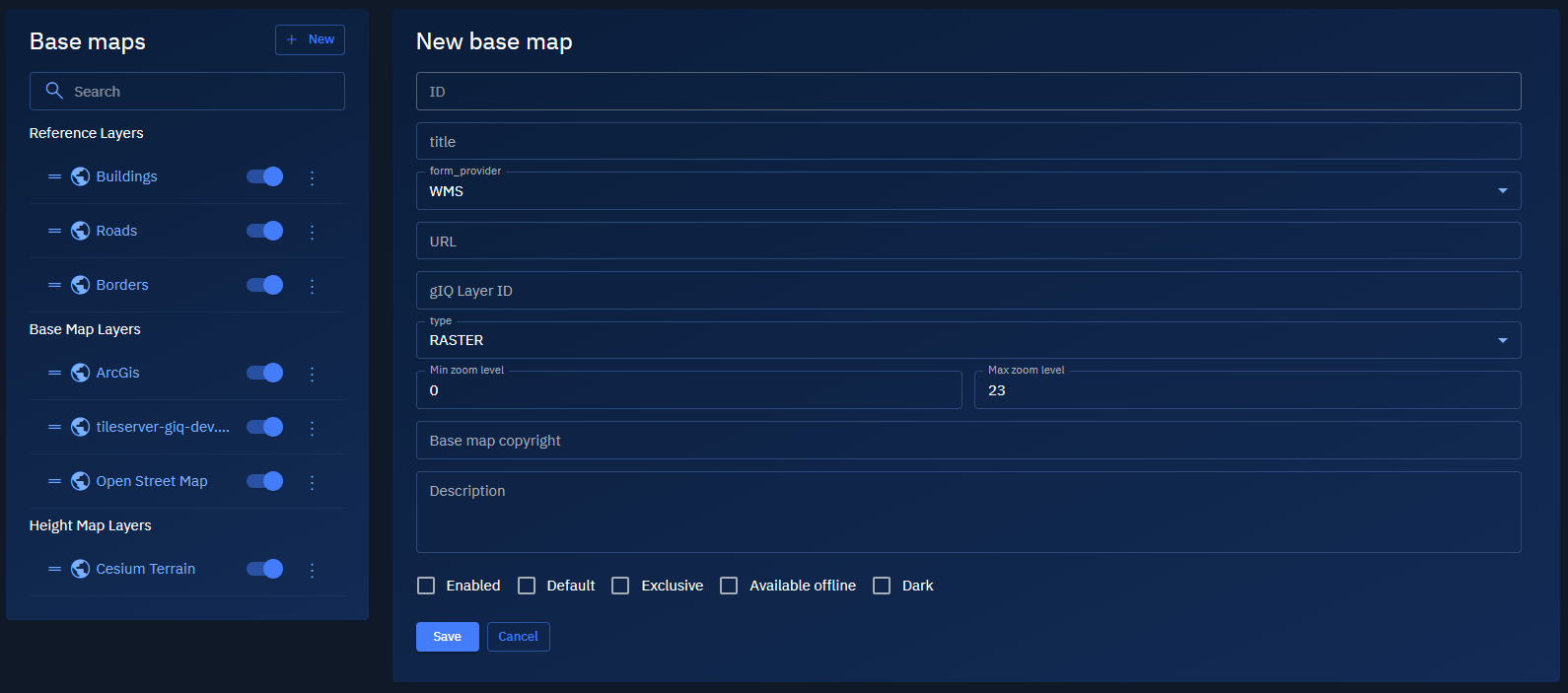
Overview: Basemaps
The Basemaps form the visual foundation of the platform.
You can easily configure, activate, or remove base maps to suit your project’s needs and requirements.
The information presented in this section is is intended for system administrators responsible for managing geospatial configurations, platform integrators setting up external tile services, and analysts or developers configuring visualization environments for specific user workflows.
Accessing Basemaps
-
Login to the platform.
-
Click the System Panel and then click the Basemaps sub-module.
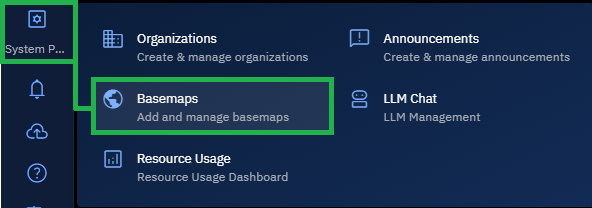
The Basemaps page is displayed.