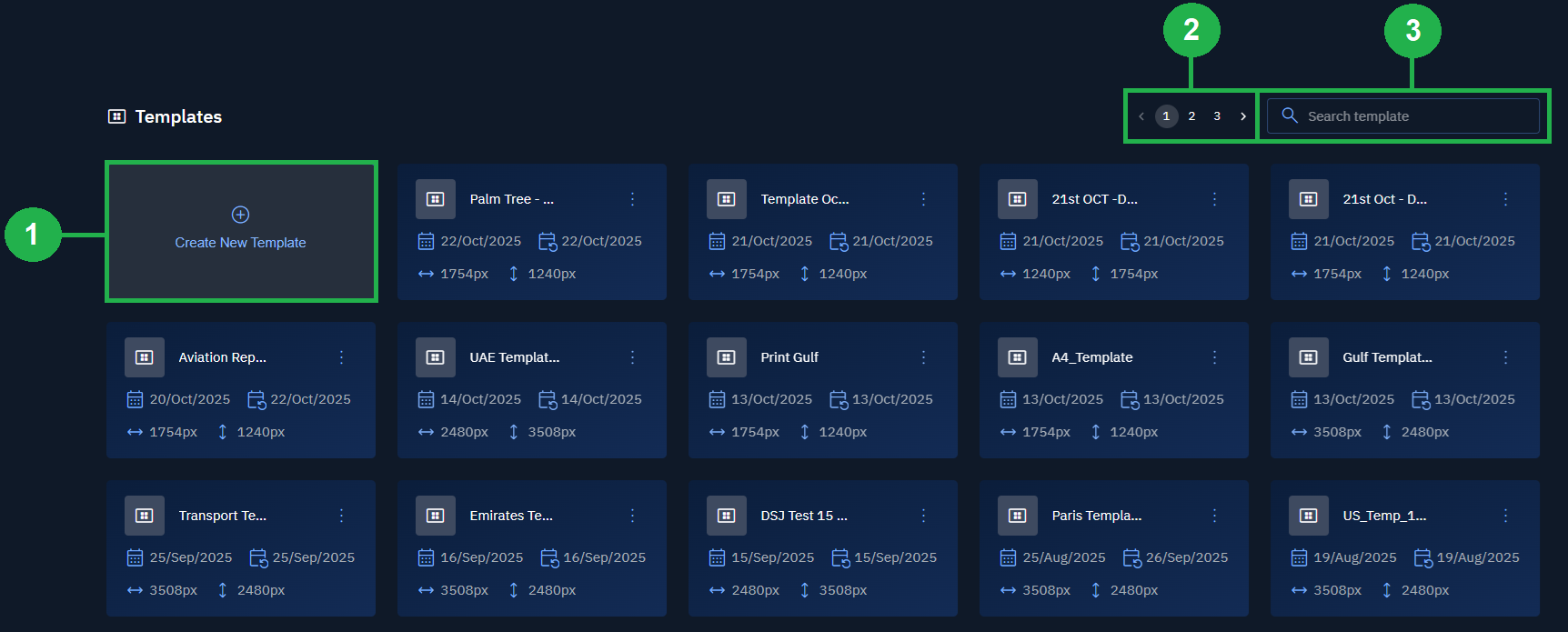
Overview: Templates
Key Concepts
Here are some of the key concepts of a template:
Accessing Templates
In this section, you will get to know how to access templates.
To access templates, do the following:
-
Login to the platform.
-
Click the Collaborate module, and then click the Templates sub-module.
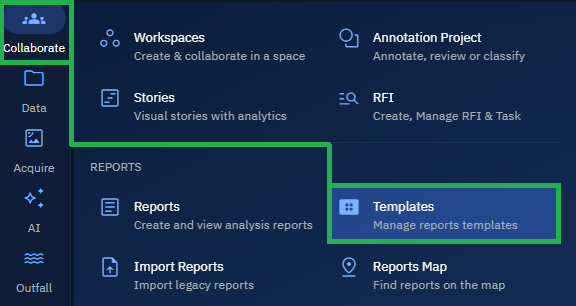
The Templates Dashboard page is displayed.
By default, the platform displays all the active Templates created by you and team members in your organization.
Navigating Templates
In this section, you will learn how to navigate the templates module interface.
In the Templates Dashboard page, you can do the following:
1. Create new a template.
2. Pagination
3. Search existing templates