Viewing Stories
In this section, you can view stories in the all stories and my stories tab. You will know to to view details of a story.
Viewing a Story
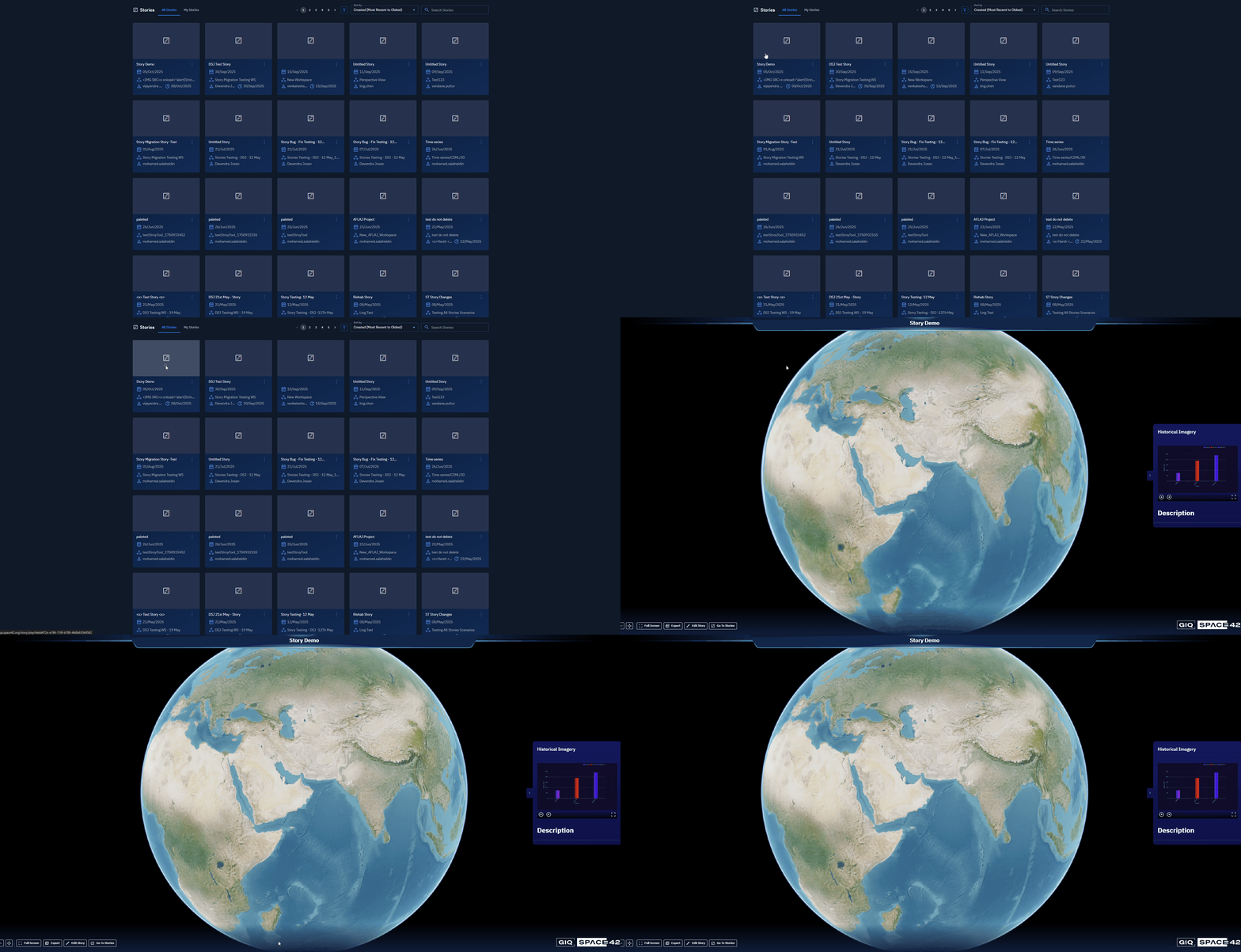
Get to view details of an individual, specific story by simply opening the story.
To view a story, do the following:
-
Login to the platform.
-
Click the Collaborate module, and then click the Stories module.
The Stories Dashboard is displayed.

- On the Stories Dashboard, locate a story you want to view and then click the story.
The platform displays the story on the screen.
Viewing Stories
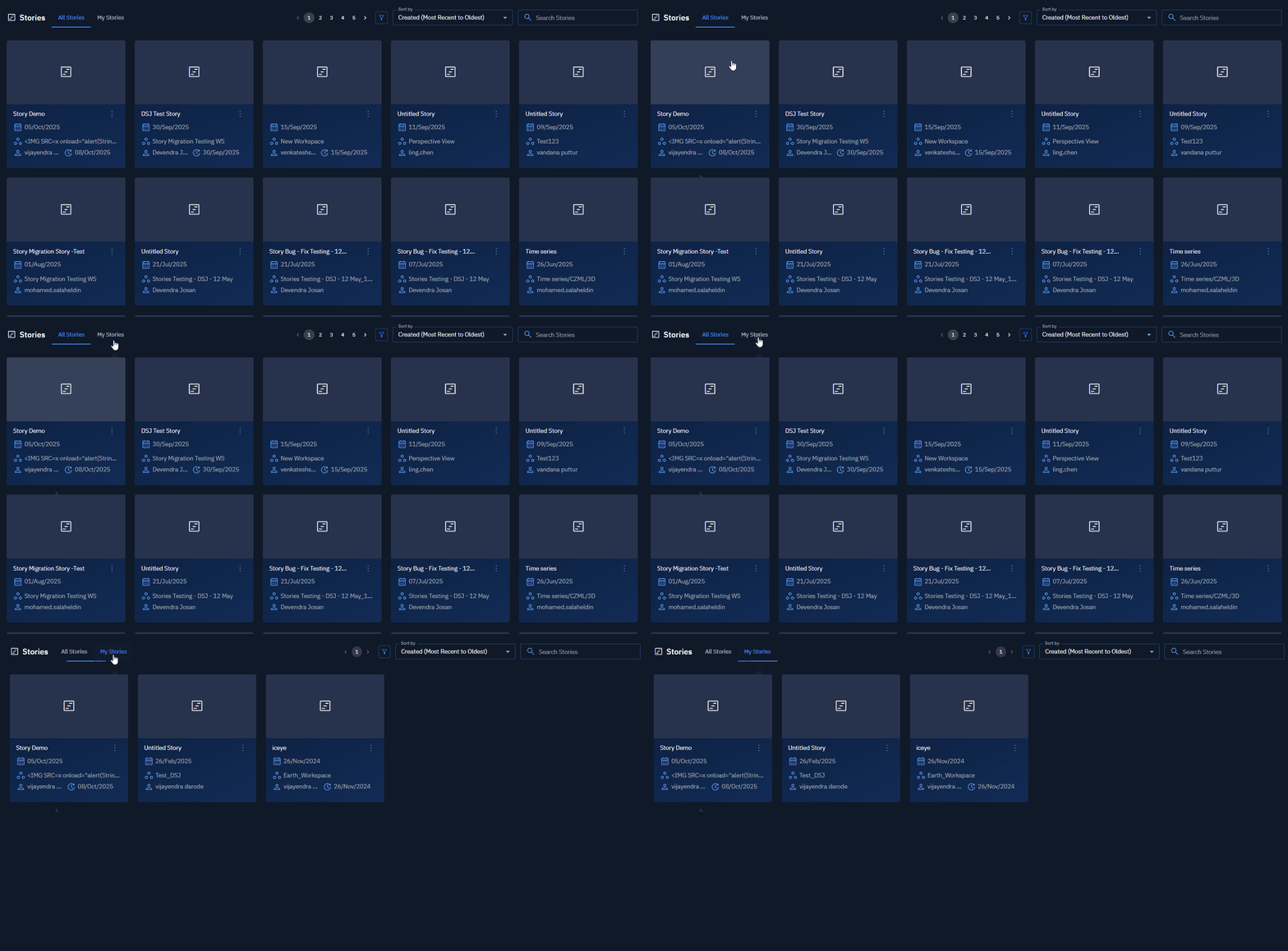
Get to view stories in the all stories and my stories tab.
All Stories
-
Login to the platform.
-
Click the Collaborate module, and then click the Stories module.
The Stories Dashboard is displayed. All Stories tab is the default landing page of the Stories module.
- On the Stories Dashboard, view all the stories displayed in the All Stories tab.
My Stories
-
Login to the platform.
-
Click the Collaborate module, and then click the Stories module.
The Stories Dashboard is displayed.
- On the Stories Dashboard, click the My Stories tab, and then view all the stories you own or created by you.